
Virtual crafting in Live
Howdy Vados!
It’s Noah with another signature DR:TX Rules Ramble about Pre-Game Econ AKA Virtual Crafting. Dystopia Rising Live Virtual Play has ALL CRAFTING completed before an event begins. This means all uses of skills to produce items are to be done before game starts on Friday evening. Thankfully, this entire process is now handled within the DR Live Database.
Notes & Updates:
TICKETS FOR OUR September event ARE ON SALE NOW!
Jeff Thelen made a guide on how to navigate the Database LIT system. The new system lives within a few new tabs you might not be familiar with so a member of Network Support made a Google Doc. Check it out here!
We’ve updated our setting materials for Essex, the City of Light and Sound. Our website is updated and we will continue to add content, like a brand new map designed by yours truly. Take a look!
Our photos for this post were taken from previous DR:TX events by our talented Photo Team, including Lily-Jay Jones, Miranda Farmer, Heather Halstead, Noah Goodman, and Max Pohlmeier. Additionally, screenshots provided by Jeff Thelen have been included from his original document.
An Intro to Virtual Econ
Pre-Game crafting allows players to utilize production and crafting skills prior to game start, creating new items either to be added to their virtual inventory or have physical cards mailed to them for Live Play. This is the only method by which virtual play can produce Live Play items as loot and module rewards are always virtual and virtual inventory items cannot be directly converted into physical cards.
Prior to the start of a Virtual Event, you are allowed 6 hours of production time across all of your characters. You cannot use any form of Mind or Resolve replenishing for pre-game production and any points you spend are still expended at the start of the event for the purpose of modules or encounters. Additionally, all items used in crafting projects must be present in your virtual inventory at the beginning of the event. As stated in our other blog posts, all items used in Virtual Play are from your Virtual Inventory and Live Play physical cards have no impact.
Further specifics and clarifications regarding pre-game crafting are available in the Dystopia Rising Live Virtual Play Guide. At time of writing, the relevant section begins on page 32.
Using “LIT” for crafting
Your Virtual Inventory, often called “LIT” is accessible via the Dystopia Rising Database. In specific, you’ll want to go to the Virtual Event you are attending to and access the LIT tab in the upper right hand corner. For visual aid, see Jeff Thelen’s Tutorial. The LIT page does a lot of the heavy lifting, keeping track of your Mind, Resolve, and Time expenditures. It also enforces a hard cutoff for submitting your production - stopping entries once the official start time of the event hits. Get your crafting done ahead of time!
Scrap & Herb
Producing Scrap or Herb via Agriculture, Foraging, and/or The Helscape Mine can be done through the “Add Item” function, manually inputting details as necessary. If you intend on using these materials in crafting at the same event, you’ll want to swap these items to “high priority” and potentially contact the gamerunners directly. These items will need to be added before you can complete any further crafting projects that utilize those items.
Forage
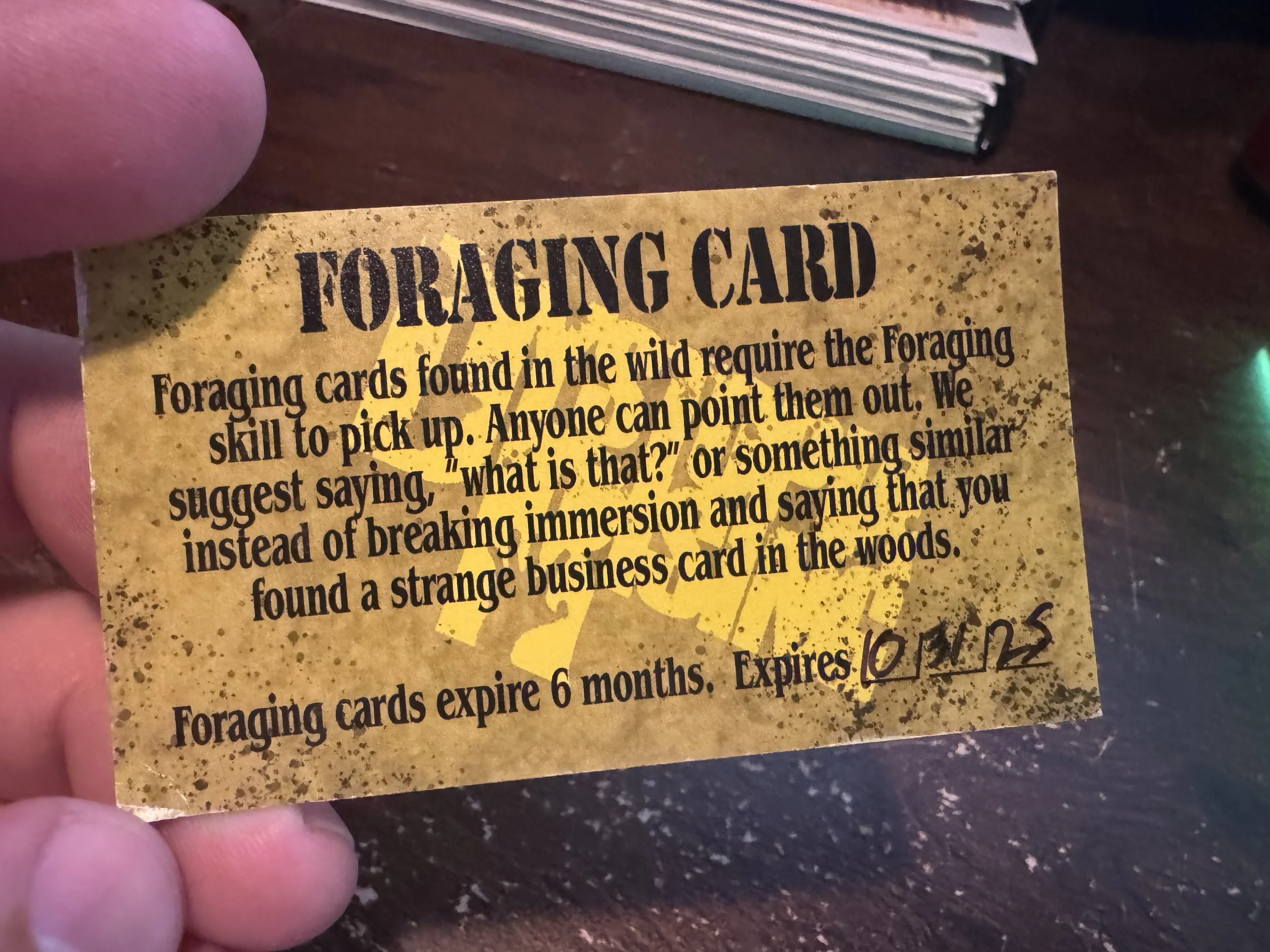
If you use Proficient Agriculture to produce Forage Cards, they must either be sent to you via mail or instantly utilized via the Foraging Skill. Forage Cards do not exist in Virtual Inventory. If you are using the Foraging Skill, utilize the “Add Item” box to add the relevant items - noting relevant expenditures for the entire interaction.
CUrrency
Elitariats using their Lineage Advantage will use the “Add Item” box to add local currency and mark expenditures. This also works for Civic Pure Blood Advantage - adding basic herb/scrap as necessary. If using Financial Manipulation to trade currency types between local and trade notes, you will search for “Trade Note to Local Currency Conversion” OR “Local Currency to Trade Note Conversion” in the “Add Item” box. This will automate the necessary changes to your inventory.
Travel
Purchasing items via the Travel skill will have you look up “[LEVEL] Travel Trade Resource” in the “Add Item” box. Once selected, you will pick items from a drop down. You will select the local currency of the game you are attending to pay and the Mind points will automatically be deducted.
Crafting Items
Crafting items utilizes the “Craft” button (as oppose to the “copy” button for copying the blueprint). You will then select the items in your inventory to meet the blueprints needed materials. Mind, Resolve, Time, etc will all be automatically calculated.
Remember, crafting materials must already be in your virtual inventory and you may need to contact event runners if you are attempting to gather resources and craft using those resources in one event.
In general, crafting does not require game runner approval outside this edge case.
Copying Blueprints
If you want to copy a blueprint, you will look up the item and select “copy.” From there, you will select which herbs you want to use in copying. Mind, Time, etc will all be automatically calculated.
At this time, blueprints do not exist virtually so all copying is done for blueprints to be sent via the mail for Live Play.
Transferring Items
You may choose to send items you craft, gather, or have in your inventory to other characters also attending the same event. This can be done by selecting the “Transfer or Mail” button and filling out the information as needed. Additionally, you can click on an item in your inventory and do the same.
Item transfers occur at the end of an event so items sent to other players cannot be used until the next event they attend.
Getting Cards Via Mail
The “Transfer or Mailout” button also serves the function of marking items to be sent to you physically via the mail. Simply select the “Mailout” option in the dropdown. The best way to do this is to add your address to your Database account. Simply click on your name in the menu bar on the left side then click “Bio” in the top right.
For visual aid, see Jeff Thelen’s Tutorial.
Expired Items
If you have items that are expired or unwanted, you can select them in your LIT and you can send them “To Branch” effectively deleting them from your inventory.
Wrap Up
That’s it for today, Vados.
We hope to see you as we begin to revisit Essex, The City of Light and Sound! Whether you’re visiting as a tourist, looking to make new stories, or just grinding out gear before heading off somewhere (like maybe The Aysea?), we’re excited to share our slice of the Zombie Apocalypse with you!
Let’s find out together! See you soon, Survivors!
